
Editing & sharing
Prepare your Raindance AI video for a vertical post
A Raindance AI result may look good in its wide player but lose one performer when a social app crops it vertically. Prepare the frame and soundtrack before posting. You can do this with a completed MP4; it does not require another AI generation.
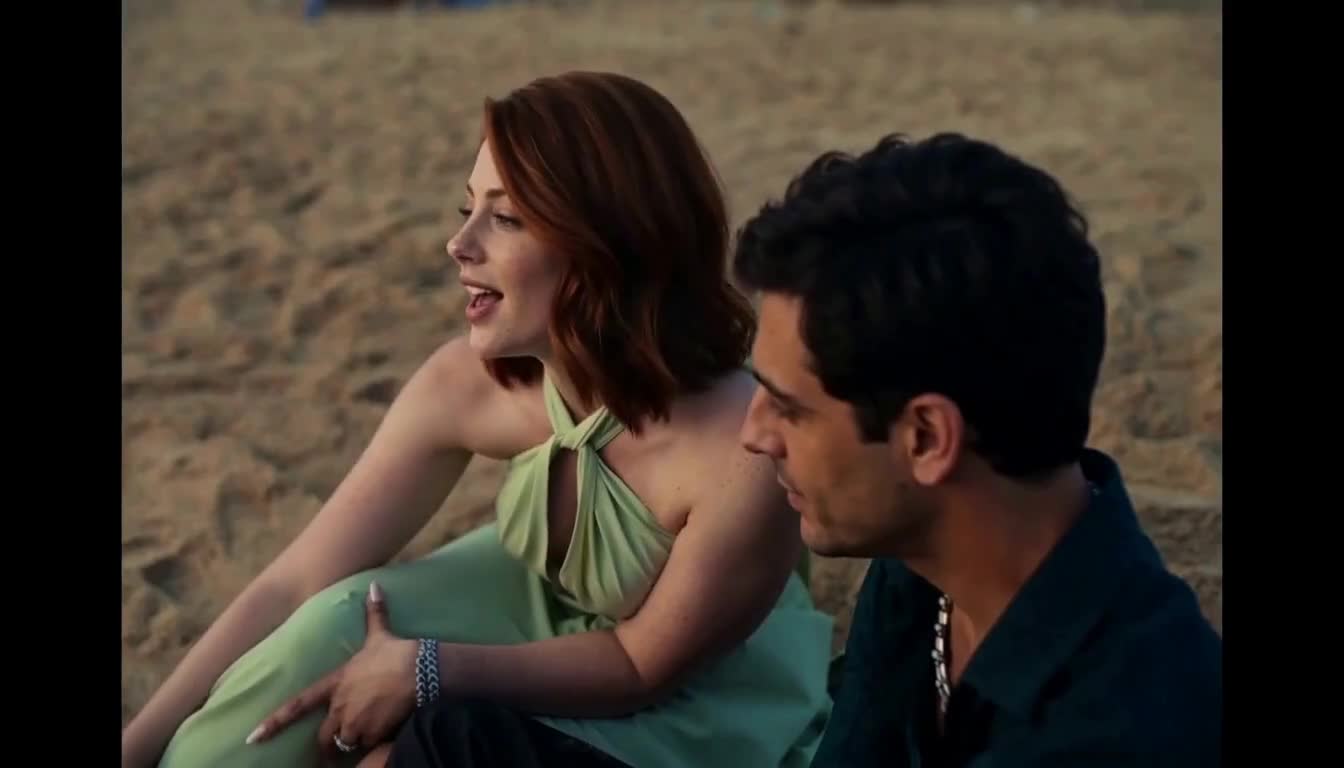
Check the actual file before choosing a canvas
The published 768P samples are 1344 × 768 (7:4), not the requested 16:9. Other results can vary. The studio requests 16:9, but a requested ratio and a delivered file are not always identical. Open the downloaded file’s properties before setting up an edit. 2K output and a seamlessly assembled three-part sequence have not been verified.
For standard YouTube channels, the current Shorts guidance classifies newly uploaded square or vertical videos up to three minutes as Shorts. A wide Raindance file is therefore not automatically a Short simply because it is about 10 seconds long. A vertical edit is a separate step.
The editing approach below is a recommendation based on the published sample dimensions. It is not evidence of a tested upload, guaranteed platform acceptance or improved reach. Review the final file in the app where you intend to publish it.
Fit the whole frame before trying a crop
Start a vertical project in your preferred editor and import the downloaded MP4. A 9:16 canvas gives you a tall layout. Fit the entire source frame inside it first, accepting empty space above and below, so you can see where both performers move.
If you prefer a frame-filling crop, review each cut. A crop that preserves a solo face can remove the other person when the shot changes to a duet. Adjust the crop over time if your editor supports it, or keep the full frame for shots that need both people.
Avoid stretching the image to fill the canvas: it changes facial proportions. A plain background around the fitted frame is an editing option; it does not require asking the AI to invent new scenery. Leave room for app controls and captions, then inspect the destination app’s preview because overlays vary.
- Create a vertical project and import the completed MP4.
- Fit the whole frame so neither performer is cut off.
- Play every solo and shared shot before choosing a tighter crop.
- Review captions and faces in the destination app before publishing.
Review each part before joining a longer edit
One request makes one part. To assemble the reference sequence, generate and download Parts 1, 2 and 3 separately with the same portraits and role assignments. This uses 480 credits at 768P or 780 at 2K before any additional takes. The site does not automatically stitch them together.
Arrange the files in Part 1 → Part 2 → Part 3 order. The observed samples are 10.125 seconds each, so placing all three end to end gives about 30.375 seconds before trimming. Treat that as sample arithmetic, not a guaranteed duration for future tasks.
Check changes in faces, framing and movement at each boundary. Trim only after watching the transition with sound. Keeping a common portrait pair helps maintain your intended identities, but separate model outputs can still differ. If you only like one result, a single-part post is also a complete editing choice.
Use one audio source and check its permitted use
The standard Raindance download already has the selected reference soundtrack restored. When adding another music track in an editor or social app, mute the embedded soundtrack so the two do not overlap. Preview the cuts with the final audio selected; matching the song title alone does not establish the same start point.
YouTube’s Shorts help points creators to the Shorts Audio Library and YouTube Audio Library. Check the specific track and the permitted use in your account. Raindance AI does not supply music rights or guarantee that the original song will be available on your chosen platform.
For promotional TikTok posts, its help center recommends music from the Commercial Music Library. A track being available for an ordinary post does not by itself establish permission for commercial use. If you replace the reference music, the visual performance may no longer follow the new track’s rhythm.
Disclose the AI-made performance when you share it
TikTok requires labeling for AI-generated content containing realistic images, audio or video. YouTube requires disclosure of meaningfully altered or generated photorealistic content, including making a real person appear to do something they did not do. A realistic portrait-based performance fits the reason for these disclosures.
Review the AI-content setting during upload. YouTube’s current help calls it AI use; wording and placement can change. A caption can explain the creative context, but it should not substitute for a required platform setting.
Use a caption that describes an AI recreation and avoid presenting it as a real performance by the people in the portraits. Confirm that both people agree to the way the result will be shared. Platform guidance linked here was reviewed on October 13, 2026; check the current rules before publishing.
Questions before your next step
Can I choose 9:16 directly in the Raindance studio?
No. The current studio requests 16:9 and the verified samples were delivered at 7:4. Make a vertical version in an external editor after downloading.
Does a 1080 × 1920 export make the generated faces sharper?
A larger export canvas does not recover facial detail missing from the source. Choose the framing for your destination and review the actual appearance rather than treating export dimensions as proof of more detail.
Can I keep the original soundtrack when posting?
The standard download includes restored reference audio, but the tool does not grant music rights. Check the destination’s rules and your permission to use the track; replace it with permitted audio when necessary.
Sources & verification
Published by the team behind this tool. Product facts were checked against the current studio and retained sample evidence. External guidance was reviewed on October 13, 2026. Preparation and editing advice is guidance, not a controlled comparison or a guarantee of results.